No mocap suit:
AI watches a video and gets the character through a whole song
In two weeks, my 3D character Hina danced to motion from two sources: community-shared MMD motion and a phone video of a real dancer. The second route used no mocap suit. AI estimated the skeleton from the video, and the character could dance the full 60 seconds.
It started with an MMD Short
The experiment ran from October 4 to 16, 2026; I added the 360° videos and interactive stage on October 17–19. I chose the material, contacted the dancers, and reviewed the videos before deciding what to keep. AI (Claude Opus 5.5) wrote the conversion, measurement, and shot-planning code. Models change quickly, so these findings apply to the versions I used on those dates.
On October 4, 2026, I saw an MMD Short of hololive's 〈Go Wild〉. Community creator Taro² had made the motion file and shared it publicly. I happened to already have a 3D character: Hina.

Once she was dancing, I thought back to the conclusion of my previous post, 〈Can AI Fix a Dance Gone Wrong?〉: if something needs fixing, fix the motion data. What if I read that data straight from a video of a real dancer?
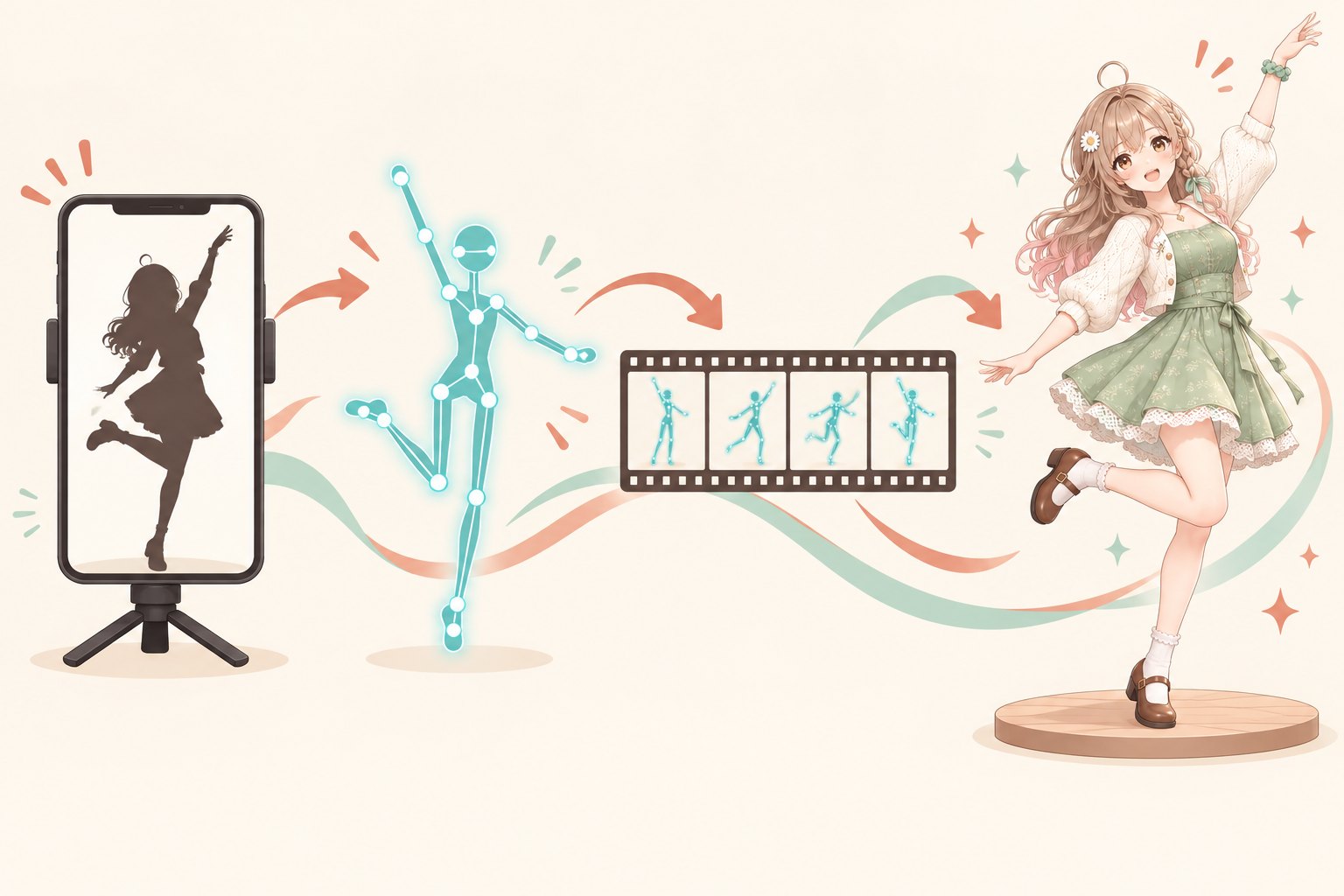
I found three videos of 〈くじら〉 on YouTube to test. Only after the results became stable did I write to the dancers. The surprise was that a phone video and AI, with no mocap suit, produced usable dance motion.


Two routes in one table
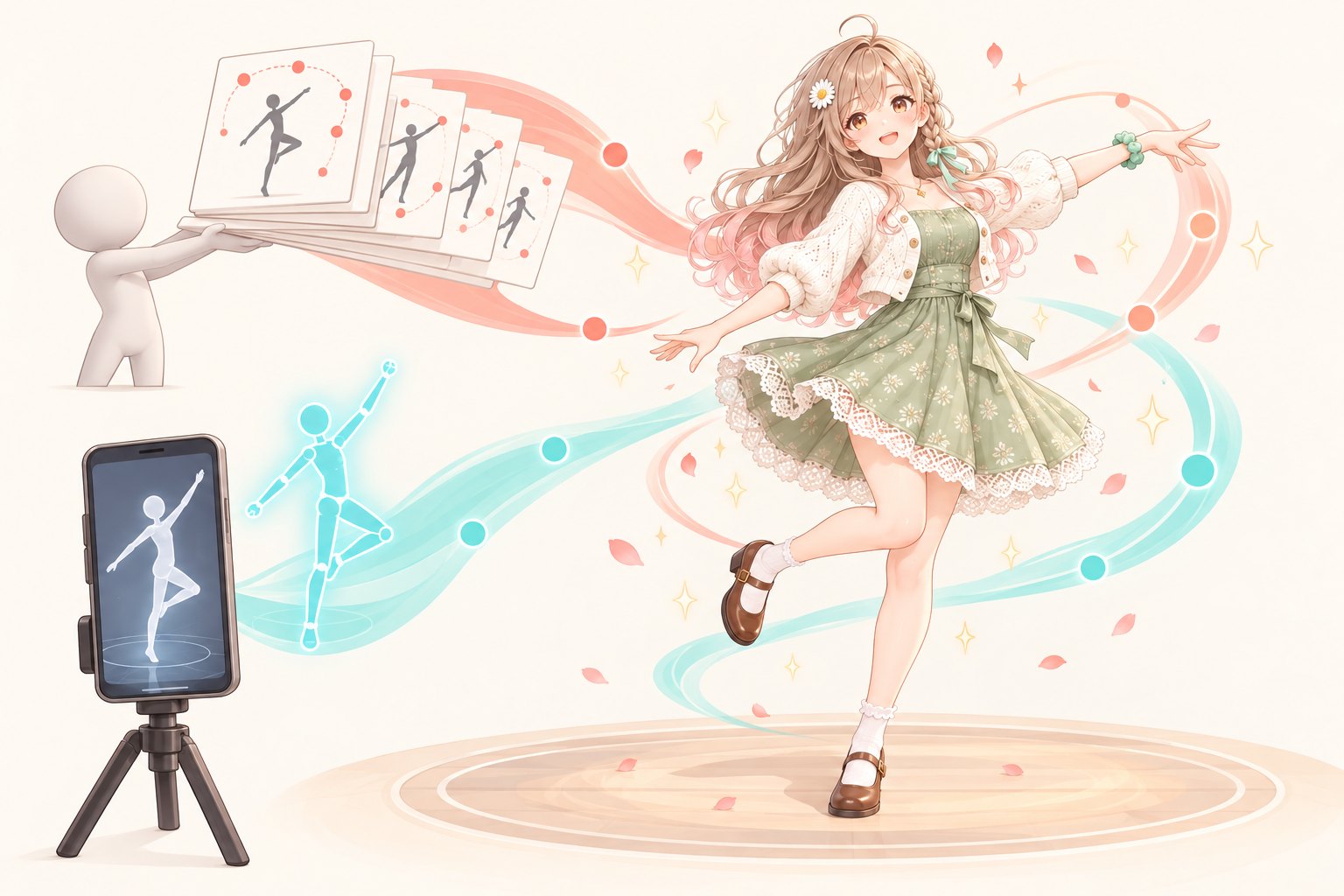
| Shared MMD motion | Real-person video + AI | |
|---|---|---|
| Where the motion comes from | A motion file made by a community creator | One dance video; AI estimates the skeleton frame by frame |
| Permission | Read the Readme and credit three layers | Ask the dancer before posting |
| What can break | Leg IK; the player overwrites motion | Skeleton mismatch, character deformation, foot sliding, twitching |
| Expressions and lip shapes | 7 shapes entered by the creator | None; I had to make them |
| Scale this time | 14 songs in one evening | One 60-second dance, corrected in five rounds |
MMD was fast, but its rules were in the Readme. Video mocap gave me more freedom, but it needed corrections and a conversation with the dancer first.
MMD: 14 songs in one evening; problems before and after conversion
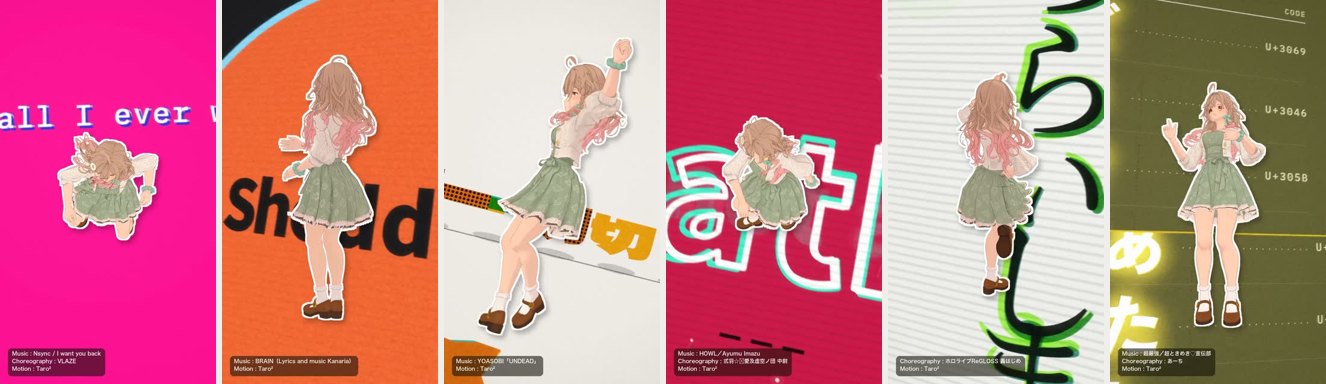
The motion was ready-made. I had to mind the terms before conversion and the player after conversion.
| Stage | What happens | What I did |
|---|---|---|
| Terms | Converted VRM motion files also count as redistribution; crediting only the motion creator leaves people out | I do not publish the motion files. The interactive stage sends encrypted motion in segments, with no download offered. Credits name the original song, the original dancer, and the motion creator. |
| Leg IK | After 40 MMD iterations, the ankle was still off by about 3% of leg length | Calculate until convergence; stop if the error exceeds 0.5% |
| Player | It writes expressions every frame, pushes hands away from the hips, and pins the character back to the origin | Turn all three off when playing someone else's dance |
| Expressions | Only 7 match (blink, smile, five vowels) | Use the lip shapes entered by the creator, not ones derived from the singing |
Conversion and playback are separate stages. I measured both.
Camera: adjectives have no units; test clips do
| Version | Approach | What I learned |
|---|---|---|
| v1 | Fixed camera | The motion was fine, but the image looked flat |
| v2 | Tracking shot, title-card background | “Intense” was capped at the safe limit found in research |
| v3 | The motion drove the camera | I said “change angle”; AI took that as a camera being shoved off axis |
| v4 | Cut to another camera on each wave | The cameras clustered in front |
| v5 | 12 shots from multiple cameras, all moving | Camera positions spread behind and directly above her |
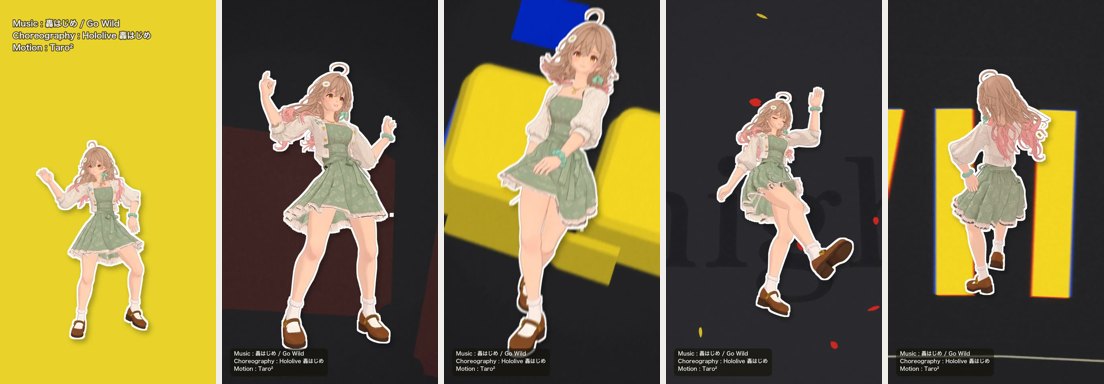
v5 is the 〈Go Wild〉 video at the top. v1 through v4 are unlisted videos: v1, v2, v3, v4; each version's video and notes are in the 〈Five Camera Versions〉 note.
For camera direction, I had to specify three things: intensity, movement within a shot versus a cut, and where the cameras are placed. If I could not specify them, I asked AI for 3-second test clips and chose from those.
Camera direction as data: a shot vocabulary and a checker
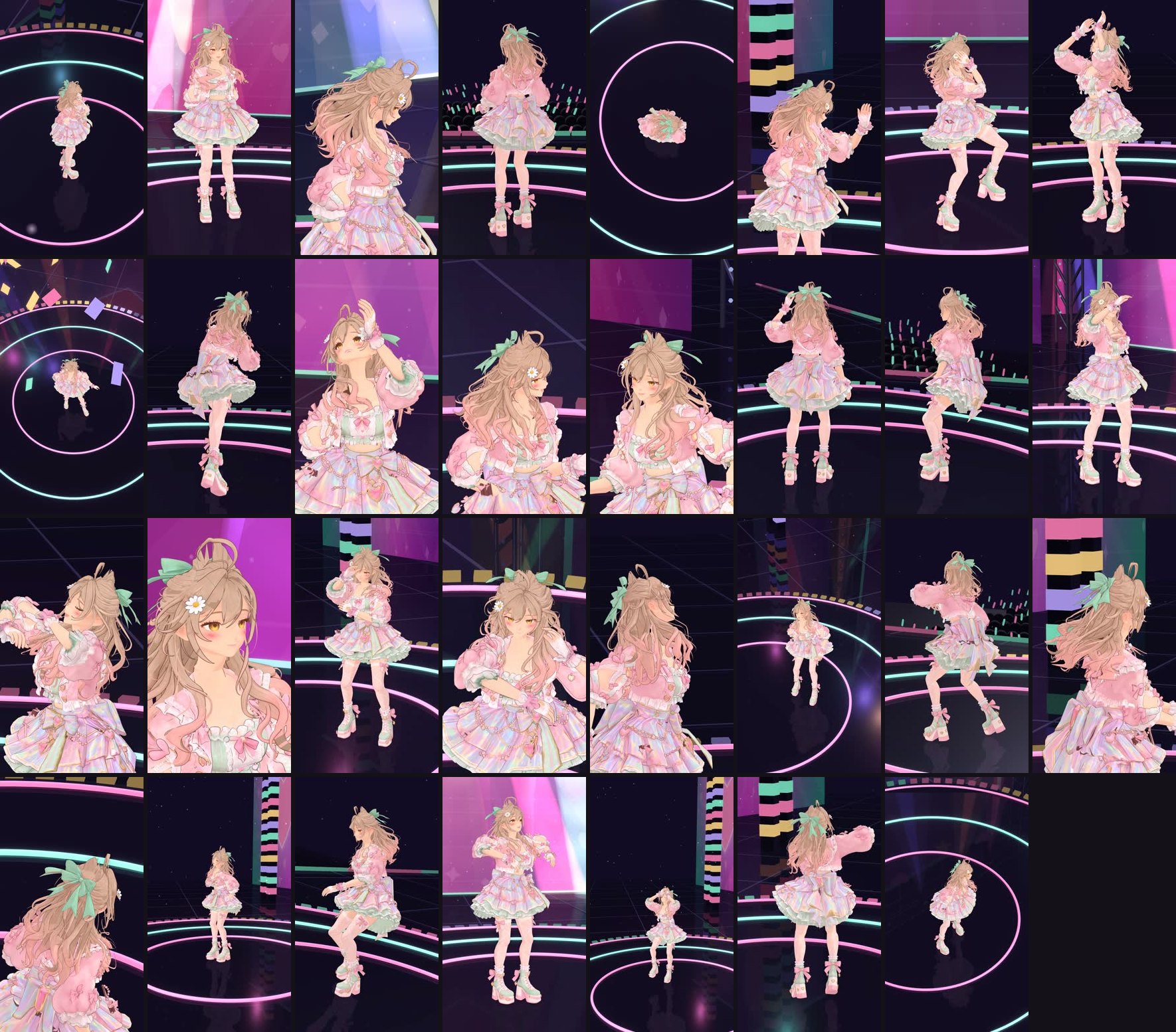
I split camera direction into a library of templates for the program to sample, check, and replace when a shot failed. The checks used numbers: where a cut lands mid-motion, enough angular difference between adjacent shots, and keeping the subject in frame. I used the same rules for all 14 MMD songs. For the 〈くじら〉 stage version, I switched to a vocabulary compiled from Melies's camera index and arranged 31 shots from 64 standard camera moves.
The generator can sample freely. The checker is what catches bad shots before rendering.
Another route: AI reads motion from phone video
In short: SAM 3D Body estimates the person's 3D skeleton in each video frame, converts it into a motion file, and applies it to Hina. I made five rounds of corrections and kept a video of each round.
| Round | What I corrected | Measured change |
|---|---|---|
| Direct capture | Before correction: hunched back, raised toes, twisted pelvis | Full-song skeleton estimation: 806 seconds (one RTX 3090) |
| Rounds one and two | The two skeletons' rest poses and Hina's joint limits | Frames with feet through the floor: 651 → 0; frames over joint limits: 0 |
| Round three | Foot drift: lock each planted foot to its landing point | Planted-foot sliding: 0.82 → 0 cm/frame; airborne frames: 13 → 0 |
| Round four | Twitching: smooth each bone over time | Foot acceleration p99: 27.8 → 6.1 cm/frame² |
| Round five | Leg shape; skip frames with unreliable fade-in or fade-out estimates | Skipped 28 frames at the start and 10 at the end |

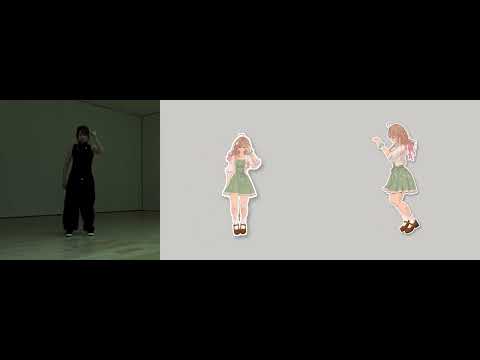


The first direct-capture video surprised me: even before correction, I could tell it was the same dance.
Choosing footage: the cheapest correction
The three test videos had very different conditions:
| Video | Resolution | Bitrate | Average brightness (0–255) | Estimated forearm jitter (median) |
|---|---|---|---|---|
| A (美弦) | 1440×1440 | 1.2 Mbps | 62 | 3.4°/frame² |
| B | 1080×1920 | 5.4 Mbps | 122 | 2.5°/frame² |
| C | 720×1264 | 1.0 Mbps | 116 | 10.4°/frame² |
C, the lowest-resolution video, had three to four times as much arm jitter as the other two. A was the darkest but did not jitter; darkness affected only the fade-in frames.
| Condition | Why |
|---|---|
| Fixed camera | A shaky camera makes the feet drift too |
| One person, full body in frame | When feet leave the frame, ground contact cannot be estimated |
| Around 1080p, with enough bitrate | Low resolution makes the arms jitter |
| No fade-in at the start | I could only skip the darkest first 28 frames |
I could not fix unsuitable footage downstream.
Skeletons and joints: different rest poses, a character that cannot hold the pose
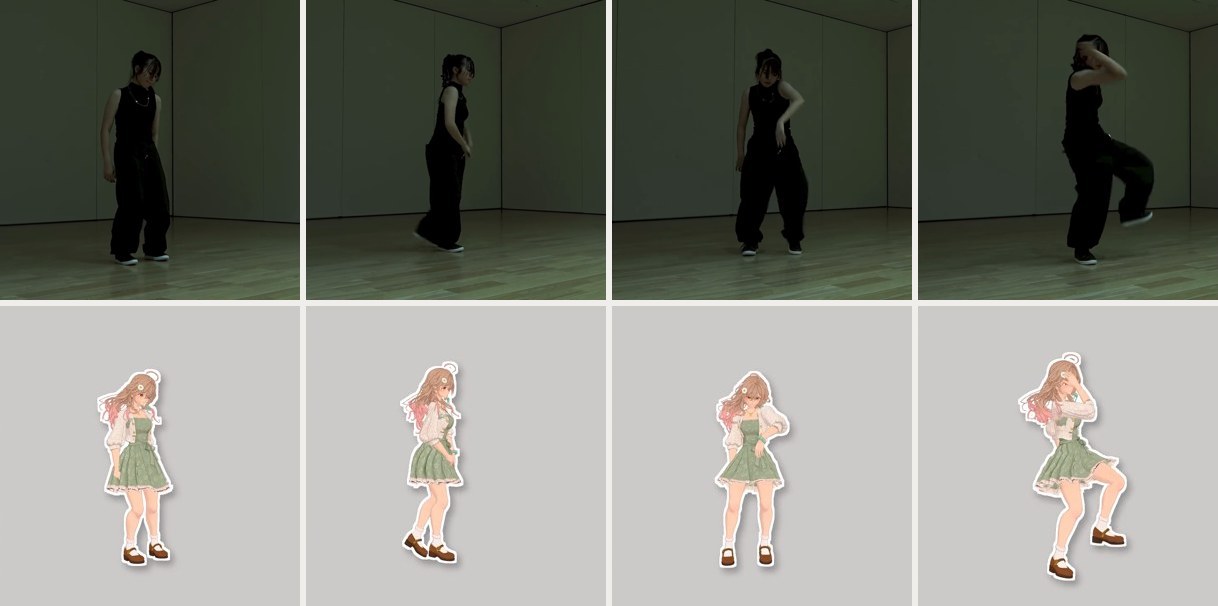
Directly matching bone directions forced the difference between the skeletons' standing poses onto Hina. Copying how far each bone rotated from its rest pose made her stand upright. Legs were the exception: there I went back to matching directions.

The other half was what the character could physically hold. I moved one joint at a time, found the angle where the mesh began to break, and kept the motion inside that limit. The cost: her crouches and leg lifts were smaller than the dancer's.
The limits table describes the character, not a mistake in the motion.
From a working test to a finished video
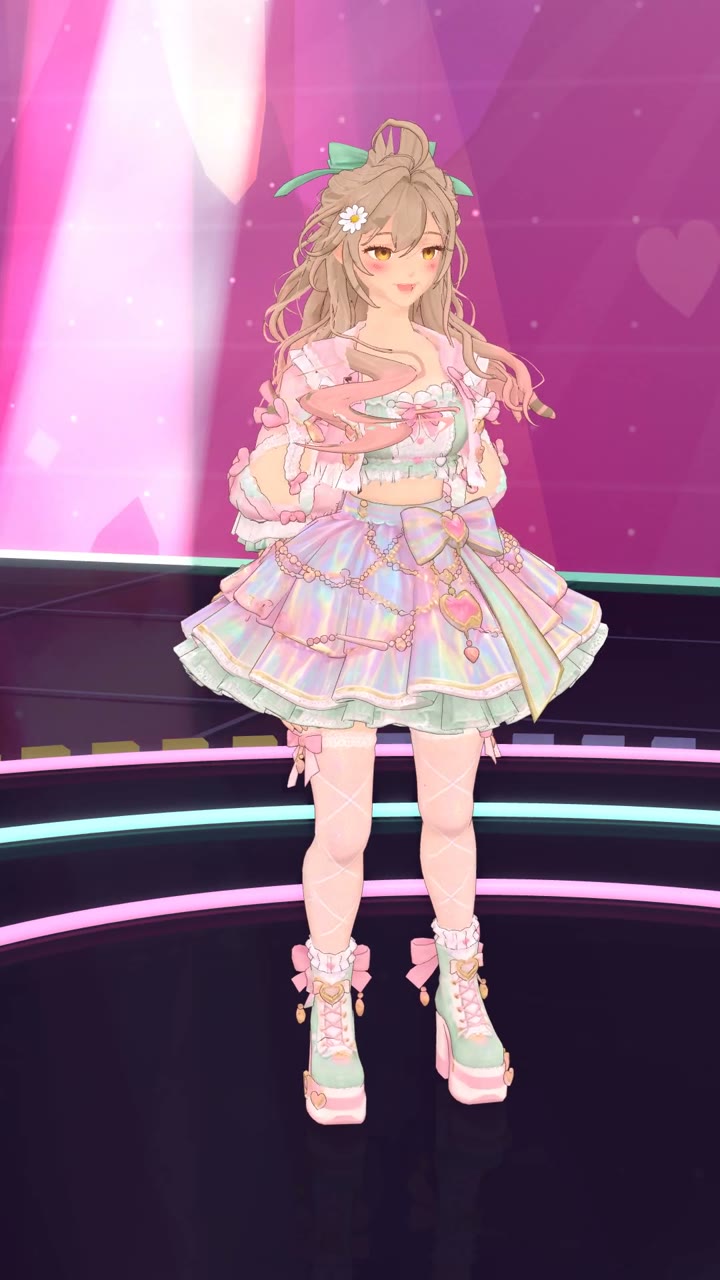
| What was missing | Approach |
|---|---|
| Full song | I rendered only the first 20 seconds to check it; the motion file already covered the whole song, so extending the video only required another render |
| Lip sync | Separate the vocal track; closed, half-open, and open each take about one-third (554/611/629 frames) |
| Blinking | Blink once every 2.5–5.5 seconds of video time; using computer time makes her blink constantly |
| Camera | Keep the camera at least 1 m high and use only full-body shots from behind. The first version had 7 low-angle shots, so I wrote a check to reject them |
| 360° | Viewers may turn to look behind them: I added audience members at the back and sides, trusses, and a halo, then rendered two 8K (7680×4096) videos, one from the front and one from the side |

The 360° item in the table became two 8K videos, with a camera in front of her and another at her side. On a computer, you can drag the player to look around the whole stage. In the YouTube App on a phone, you can turn the phone; a VR headset works too.


When rendering is slower than playback, anything tied to time must use video time. Camera problems have to be caught before rendering.
Look around yourself: switch among 14 MMD songs
A video only shows the shots I chose. I also made an interactive stage for the 14 MMD dances in the 〈Go Wild〉 batch. The YouTube Short plays at the lower right while Hina dances the same motion onstage, synchronized to the video's time. You can pause at any time, change songs from the lower-left menu, drag to orbit around her, and zoom in or out.
Taro²'s terms prohibit redistribution of the motion files, so the stage sends encrypted motion in segments and offers no download. The music plays through the YouTube player; the page itself contains no audio.
Open the stage in a new tab ↗(Full-page view works better on a phone)
On a phone, the YouTube player at the lower right covers her legs. The view is more complete on a computer.
Ask before posting; trim before uploading
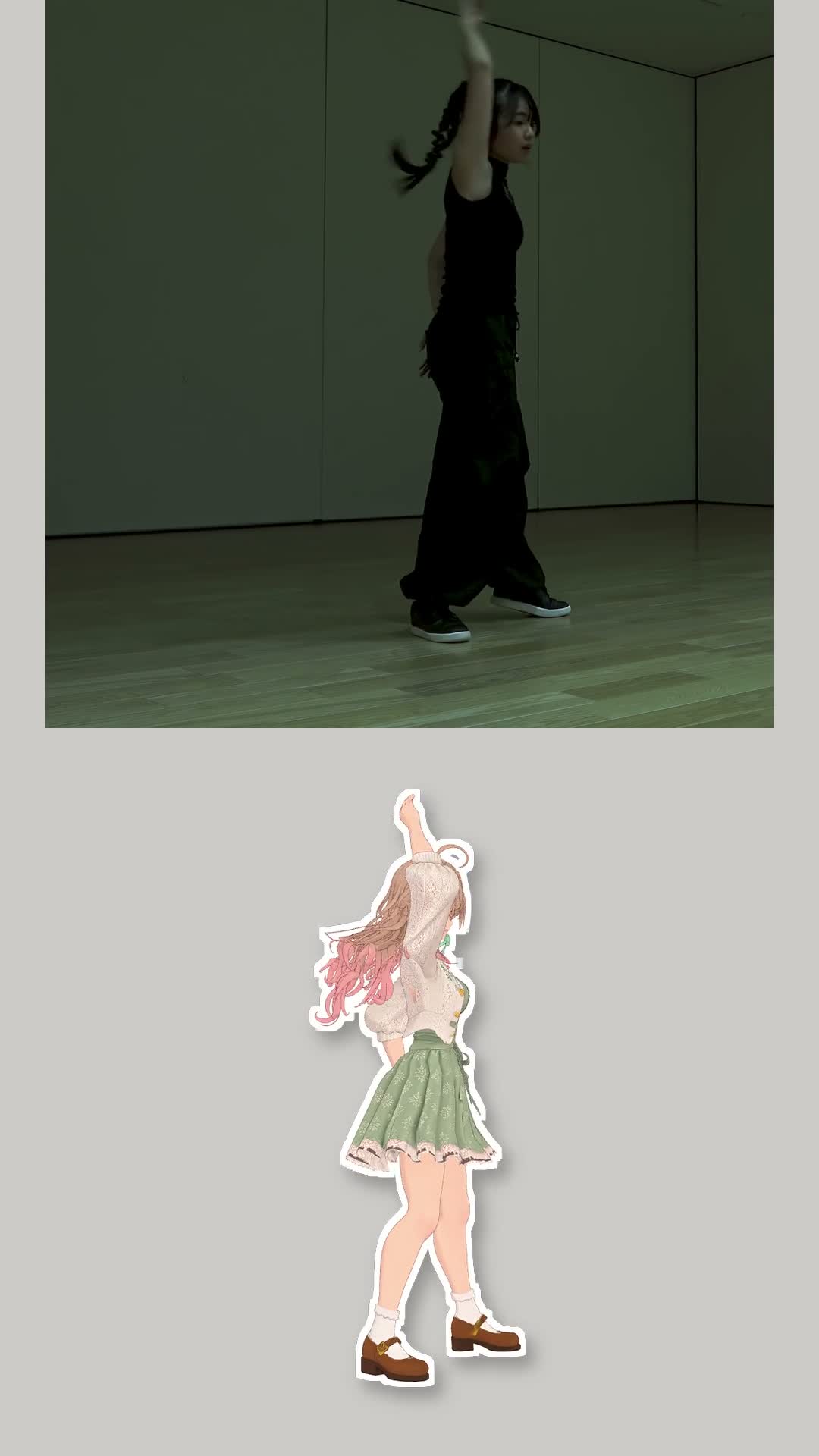
This is someone else's dance. I asked three dancers before posting: one agreed, one did not want it published, and one did not reply. I published only the dance whose dancer agreed.
There was another hurdle before upload: a Short claimed by Content ID is blocked worldwide if it runs over 1 minute. One MMD video in the batch was restored only after I cut it to 58 seconds; I cut 〈くじら〉 from 60.6 to 59.8 seconds.
Things I also tried
| What I tried | Why | Result |
|---|---|---|
| JIZURA title-card background | The MMD background looked too plain | The cards needed to sit behind her and share the camera's perspective before the camera movement showed |
| AI-built stage | I wanted a concert feel | The lights, LED wall, and cold sparks were all built in code; that is the stage version above |
| FlowerDance music-to-dance model | I wanted to see if AI could choreograph on its own | Next to the traced dance, it still fell short. The model had no license terms, so I kept it locally |
| Motion exaggeration | A mocap performer suggested amplifying the motion | It was too exaggerated and uncomfortable to watch, so I set it aside |
I tried these side paths once. Two questions remained in the main work: where the motion came from and how I arranged the shots.
What works, and what is still missing
| Done | Still missing |
|---|---|
| 14 MMD songs in one evening | Jumps: hip height still follows the lower foot |
| Full 60-second video mocap | Fingers remain fixed |
| Foot locking, lip sync, blinking | No separate mouth shapes for the five Japanese vowels |
| Framing rules implemented as checks | The skirt tears when a thigh lifts forward and moves outward at the same time |
| Interactive stage with 14 selectable songs | On phones, the YouTube player covers her legs |
As of October 2026, one phone video shot under good conditions, plus AI, was enough to make a 3D character dance a whole song.
Copy this for your AI agent
If you have a dance video you want your character to follow, paste the following into your AI.
Further reading
| Resource | Why it matters |
|---|---|
| dekopon 〈Go Wild〉 MMD Short | This started the whole thing; seeing it made me want Hina to dance |
| Taro² (BowlRoll) | Creator of the 14 dances; his Readme was my model for reading the terms and listing the three layers of credit |
| JIZURA | Generates lyric-timed title cards (MIT licensed); it showed me that a flat background does not reveal camera movement |
| Melies: Cinematic Techniques | Source for the shot vocabulary; it replaced “intense camera movement” with named, defined moves |
| SAM 3D Body | Estimates a 3D skeleton from one video—the start of the second route. Meta's SAM License (2025-11-19 version) allows free use, modification, and redistribution; published work made with SAM must acknowledge its use |
| FlowerDance | A music-to-dance model (ECCV 2026); trying it showed me how far music-generated dance still is from a traced dance |
| 〈Can AI Fix a Dance Gone Wrong?〉 | That post's conclusion, “fix the motion data,” led me to try a video of a real dancer |
| 〈Sharing My Customizable Doll: From One Design to 3D〉 | How I made Hina |
| Three notes: Five Camera Versions, 14 MMD Songs in One Evening, Motion Capture | The videos and measurements for each version are there |
Rights to music, dance, and motion
The songs, dances, and motion in this post belong to their respective rights holders. I include them only to explain the experiment's results. Rights holders who want something removed can leave a comment.
| Type | Work and rights holder | Where it appears |
|---|---|---|
| Music | Yaffle 〈くじら (feat. Sahnya)〉 | The audio in the 〈くじら〉 side-by-side and stage versions, two 360° videos, and five process videos plays on YouTube |
| Choreography and original video | 美弦 (@mitsuru_SelfChoreograph) | The motion source for video mocap and the side-by-side screenshot; I obtained permission before posting |
| Music and choreography | 轟はじめ 〈Go Wild〉 (hololive) | The audio and dance in the five 〈Go Wild〉 camera versions; Taro² traced the MMD motion from 轟はじめ's own Short |
| MMD motion | Taro² (shared on BowlRoll) | 14 MMD dances; motion on the interactive stage is encrypted and sent in segments, with no download offered |
| Songs on the interactive stage | Each of the 14 songs belongs to its respective rights holder | Only my uploaded Short plays through the YouTube player; the stage page itself contains no audio |